Direct references
Detected dependencies are grouped by source so admins know what still depends on the group before delete, rename, replacement, or ownership cleanup.
 UnitlaneJira cleanup tools
Use the group view to review detected source objects, available derived permission paths, severity, and coverage.
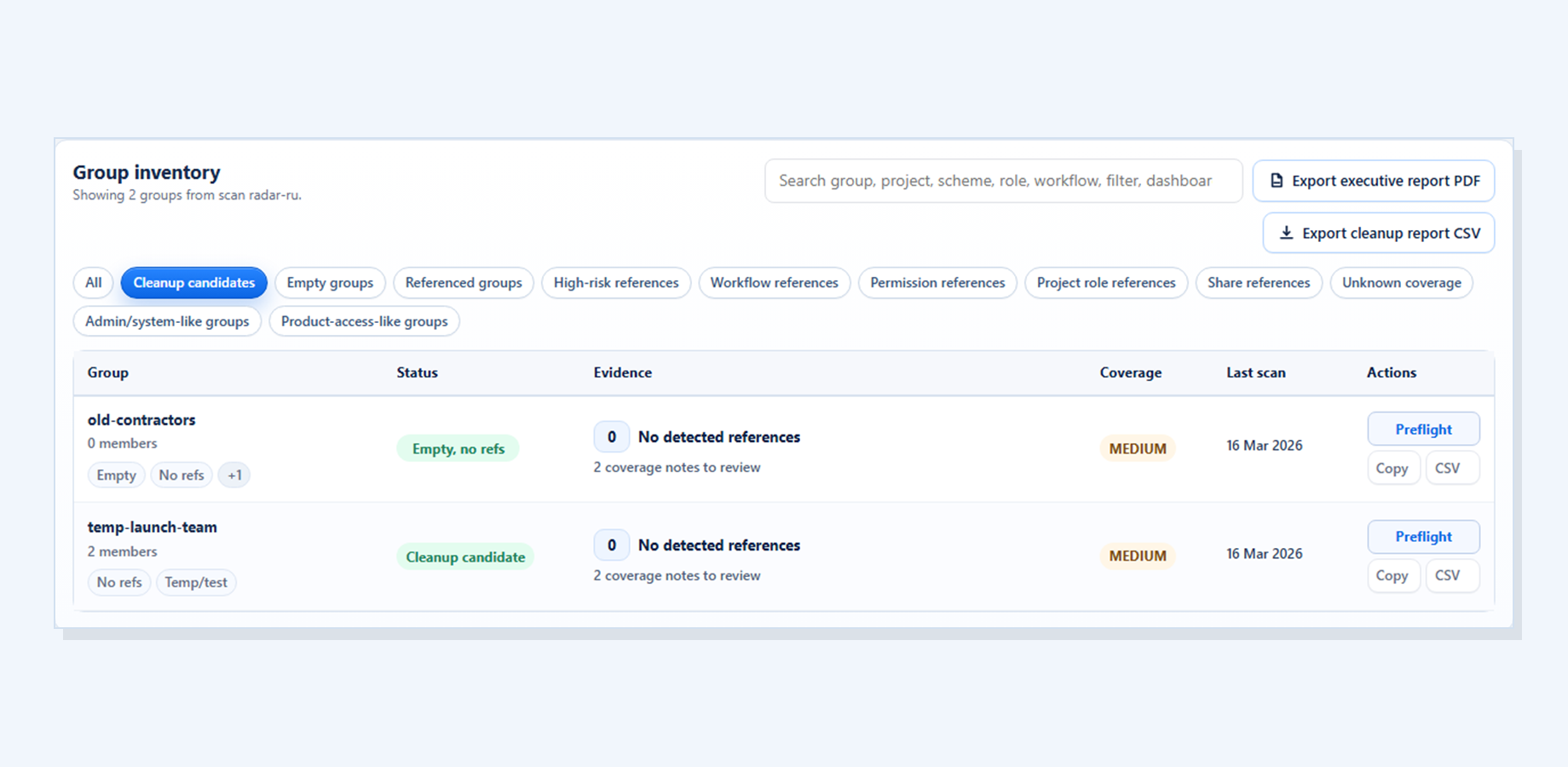
The group view keeps detected dependencies and coverage together before the administrator changes Jira manually.
Detected dependencies are grouped by source so admins know what still depends on the group before delete, rename, replacement, or ownership cleanup.
This keeps the review practical: what to inspect, why it matters, and what should remain a manual check before any Jira cleanup decision.
High and medium findings help reviewers decide where to look first, especially when a group appears in permissions, shares, workflows, or other supported sources.
It does not delete, replace, retire, or rename the group.
Coverage limits stay visible so reviewers understand what still needs manual checking.
Manual-check, unavailable, and partial areas stay visible so reviewers do not overtrust the scan or assume missing data means the group is unused.
Manual-check areas remain part of the review so the app does not create false confidence.
Continue to Group Cleanup Radar for Jira for the current screenshots, trust boundaries, docs, and Marketplace trial link behind this workflow.