License Guard
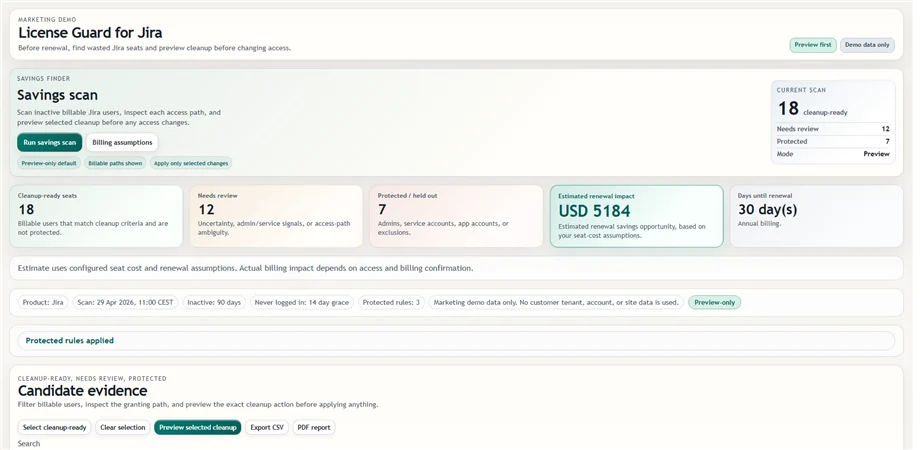
Start with a savings scan that separates cleanup-ready users, review rows, protected accounts, and estimated impact.
Open License Guard UnitlaneJira cleanup tools
Unitlane builds narrow Atlassian Cloud apps for difficult decisions involving Jira group cleanup risk, billable access paths, and evidence that has to survive a JSM handoff.
 Wasted seats
Savings scan, billable paths, cleanup preview, and exportable review notes.
 Group risk
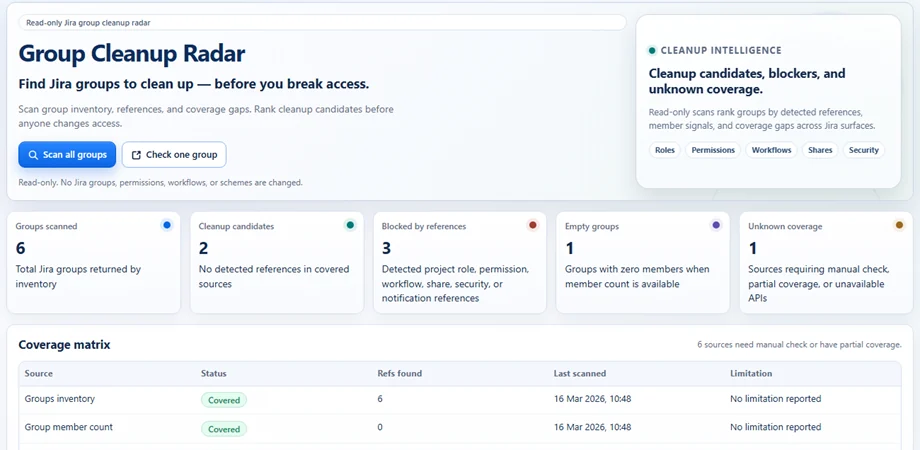
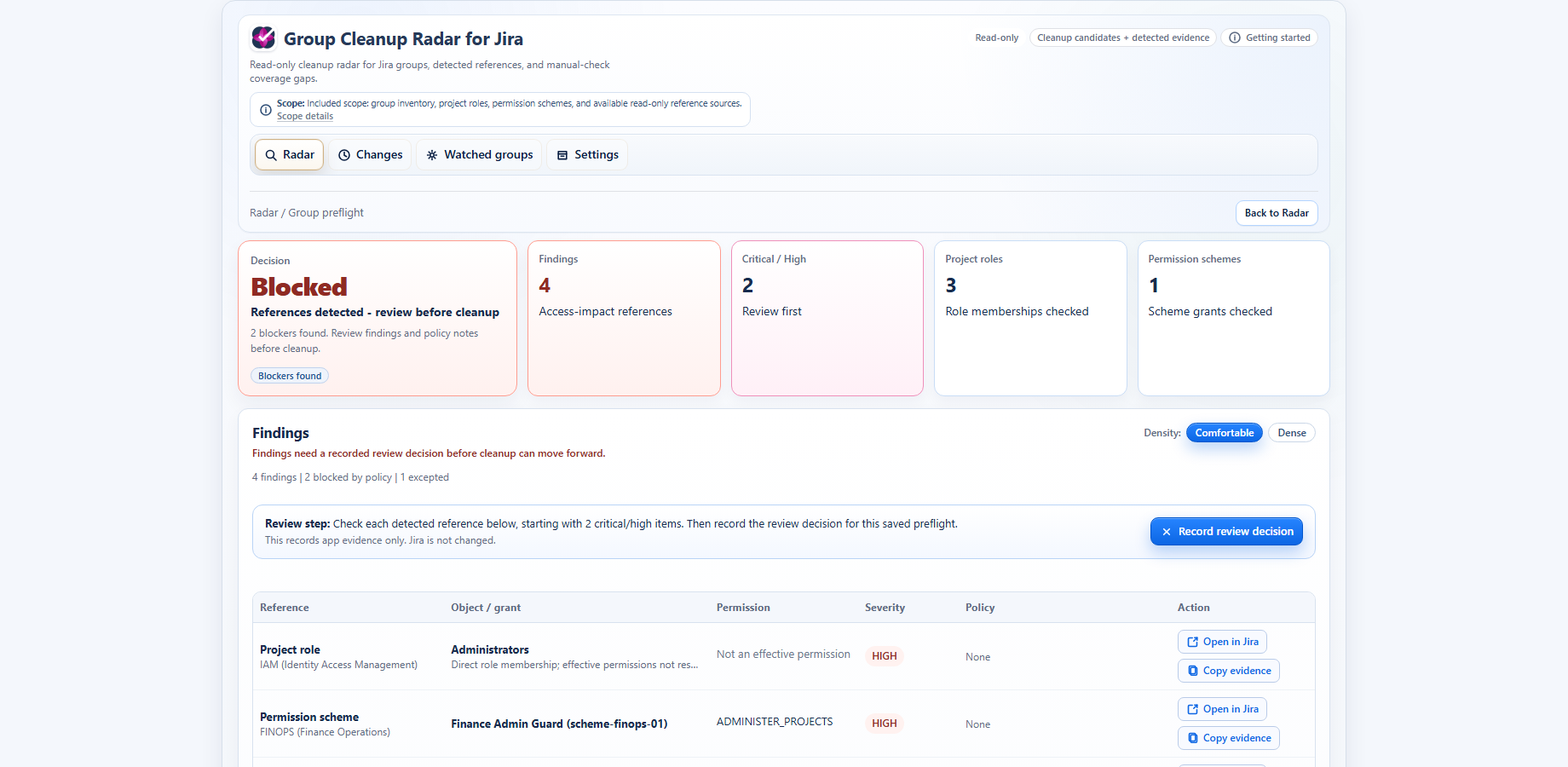
Detected direct and derived paths, recorded intent, Recheck, selected Watch, and explicit coverage.
 Evidence handoff
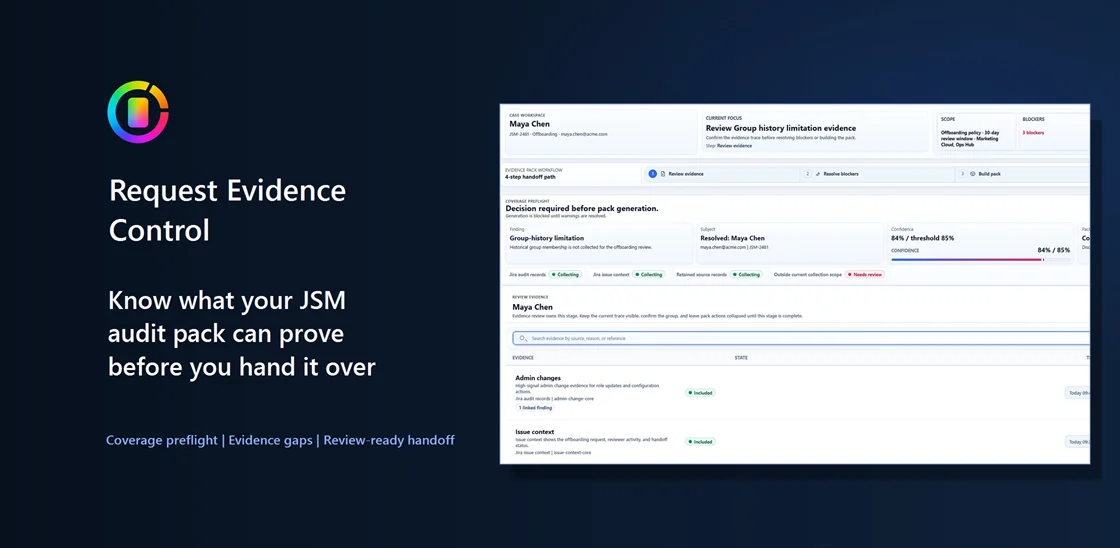
Receipt, manifest, source status, accepted warning, and caveats.
Each Unitlane product addresses a different decision. Start with the problem you need to resolve, then review the product evidence and limits before installing.
See what depends on it before you act. Review detected direct and derived dependencies across supported Jira sources, record the intended change, and Recheck afterward.
Explore Group Cleanup Radar License GuardFind the billable access path before removing access. Review likely waste, protected rows, and estimated impact before building a cleanup preview.
Explore License Guard Request Evidence ControlSee what your evidence pack can — and cannot — prove. Preserve the receipt, manifest, source status, accepted warnings, and caveats for handoff.
Explore Request Evidence ControlGroup Cleanup Radar shows detected group dependencies across supported Jira sources, including direct and derived permission paths. Record a Delete, Replace, Retire, or Investigate plan, Recheck after the manual Jira change, and watch only the groups that matter.
Short product previews show the first useful screen. Open a product page for the full workflow, screenshots, docs, comparison, and support path.
Start with a savings scan that separates cleanup-ready users, review rows, protected accounts, and estimated impact.
Open License Guard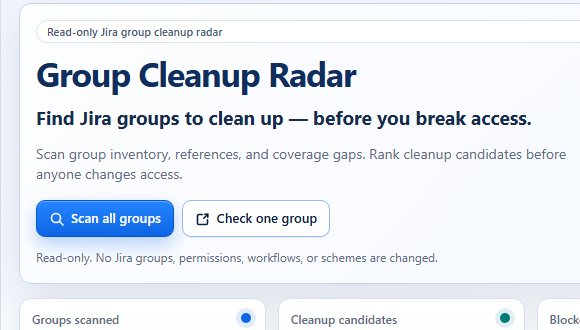
Start with all groups, then open one group to inspect detected dependencies and coverage before a manual change.
Open Group Cleanup RadarStart from a JSM request and turn reviewed evidence, missing source status, and preserved caveats into a handoff pack.
Open Request Evidence ControlThe curated article library covers Jira license waste, group cleanup, billable access, permissions, JSM evidence handoff, and cleanup review.
Open practical Jira and JSM admin guides organized by the problem you need to solve. Use the filters to move from renewal pressure, group cleanup risk, permissions, and SCIM boundaries into the right product page without losing the cleanup context.
Read the renewal and billable-access guides when the pressure is wasted seats. Good for renewal conversations where the team needs the money story before cleanup controls or proof. It frames the first scan as a quick review path.
Read the group-dependency guides when the pressure is delete, replace, retirement, or cleanup risk. Good for delete, rename, and replacement work where the risk is hidden dependencies and incomplete coverage. It keeps manual-check areas visible.
Read the evidence-pack guides when the pressure is proof after a service request closes. Useful when another reviewer needs the request story, source status, and caveats without reconstructing the ticket later.
Use the docs, comparison, trust, and support pages to confirm scope and limitations, then return to the matching product page when you are ready to start a Marketplace trial.
Review workflows, coverage, exports, and non-goals. The next step stays clear: what is known, what still needs review, and which action should wait.
See where native Jira is enough and where a focused Unitlane workflow adds structure. The comparison keeps the practical tradeoff visible instead of turning the choice into a generic feature list.
Review data handling, read-only boundaries, privacy, and legal links. Scope, contacts, policy links, and product boundaries stay close to the review path.
Ask a product, security, or evaluation question. Scope, contacts, policy links, and product boundaries stay close to the review path.