Covered
Covered sources show where the app had enough data to scan, giving reviewers a cleaner split between detected references and manual-check work.
 UnitlaneJira cleanup tools
Coverage labels prevent false confidence.
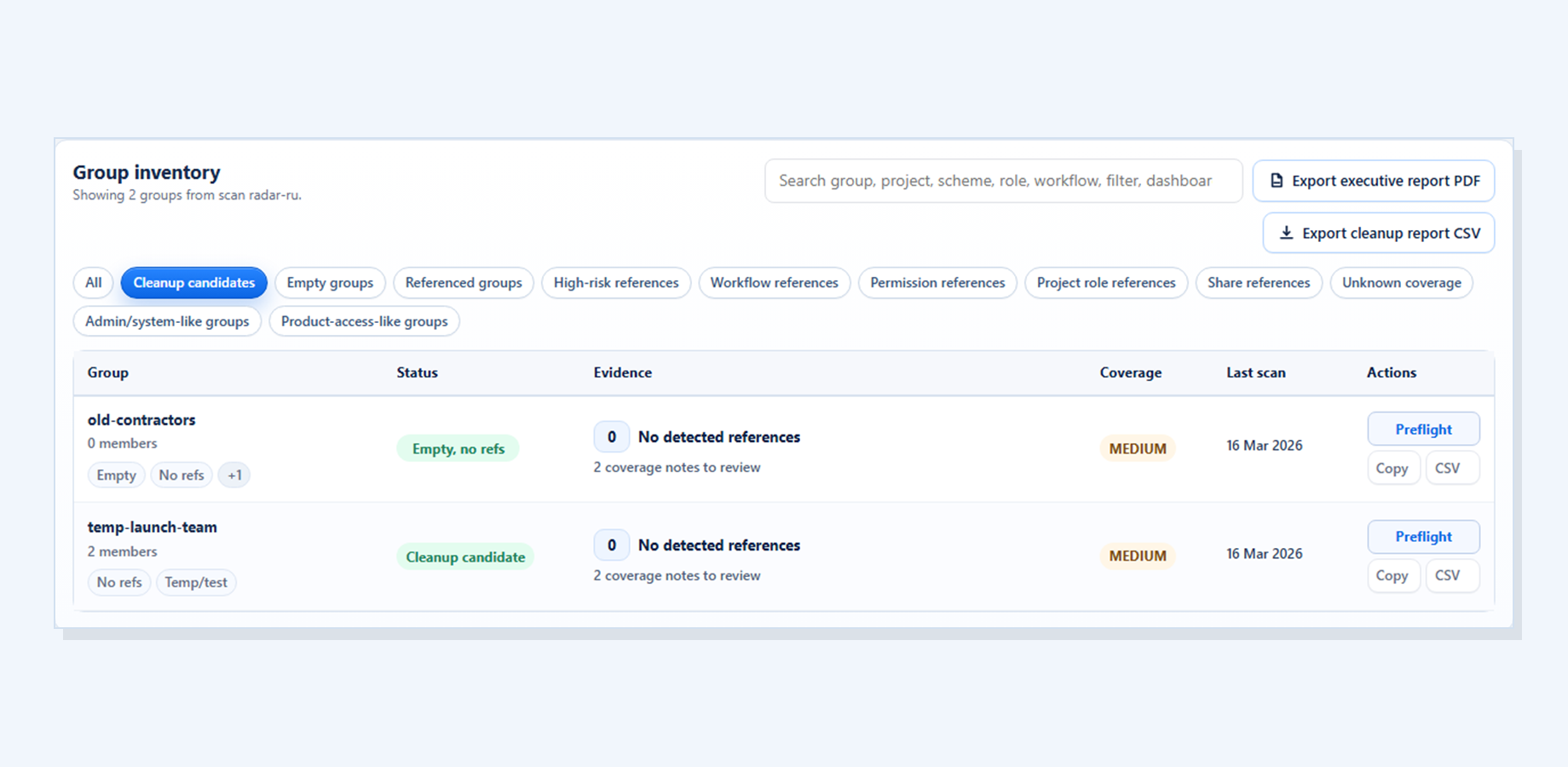
The matrix shows what was scanned and what still needs review.
Covered sources show where the app had enough data to scan, giving reviewers a cleaner split between detected references and manual-check work.
Partial coverage warns that some references may still require manual inspection, so the scan does not imply more certainty than the available data supports.
Unavailable sources are labeled instead of being treated as clear, keeping coverage limits visible before an admin changes Jira.
It does not claim full Jira coverage.
This keeps the review practical: what to inspect, why it matters, and what should remain a manual check before any Jira cleanup decision.
Coverage limits stay visible so reviewers understand what still needs manual checking.
Group Cleanup Radar scans and reports findings only; it does not delete, rename, edit permissions, or change Jira configuration.
Continue to Group Cleanup Radar for Jira for the current screenshots, trust boundaries, docs, and Marketplace trial link behind this workflow.